Set Up
| Version | Min runtime version | Compatible Java versions | Description |
|---|---|---|---|
| 1.0.2 | 4.6.0 | Java 17, Java 11, Java 8 | Add Image to PDF |
| 1.0.1 | 4.6.0 | Java 17, Java 11, Java 8 | Add Merge PDFs |
| 1.0.0 | 4.6.0 | Java 17, Java 11, Java 8 | Launch |

Step1: Maven Central Repository
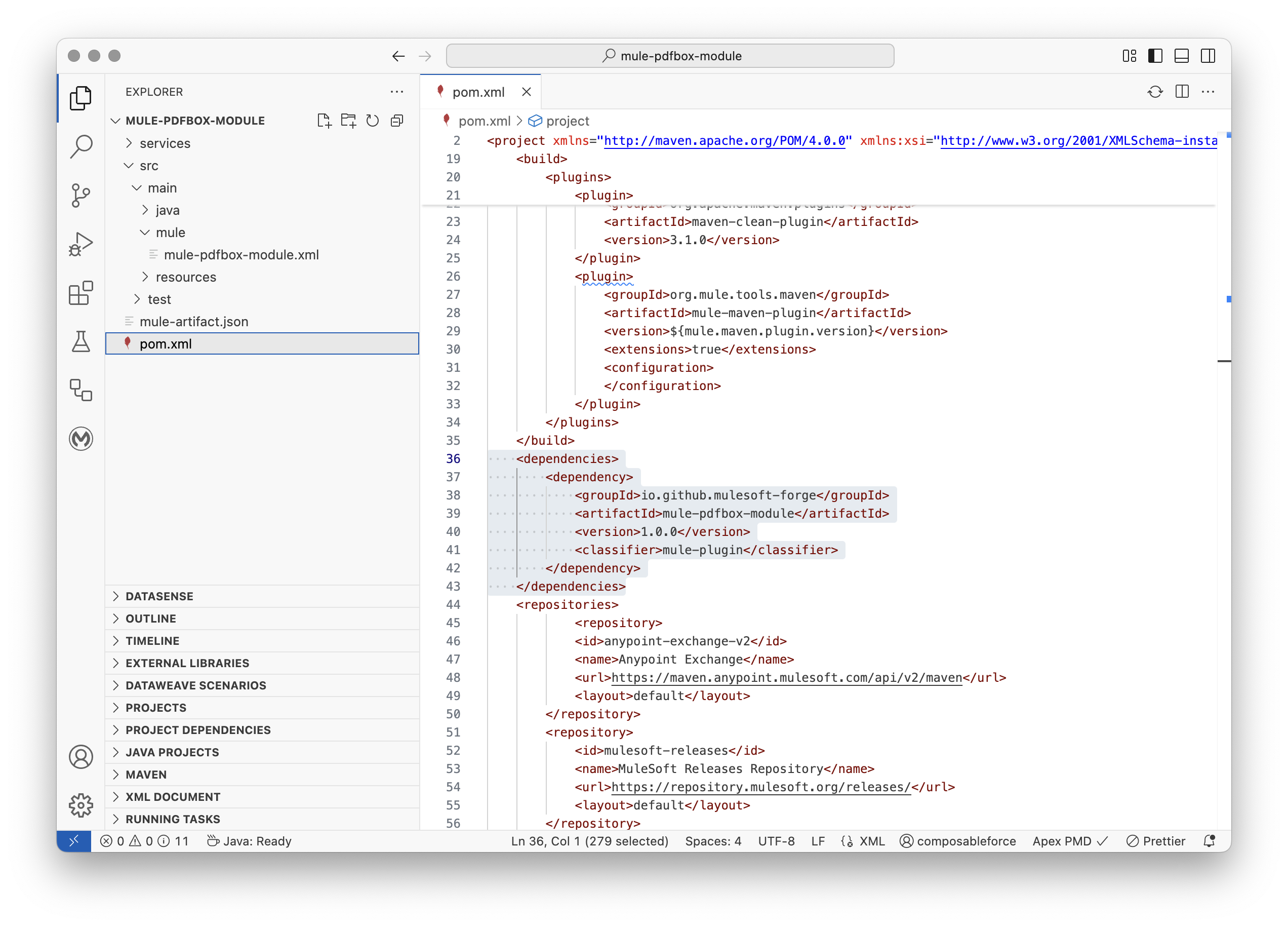
Edit Project File pom.xml
The MuleSoft Forge connectors are constantly updated, and the version is regularly changed. Make sure to replace {version} with the latest release from Maven Central.
Copy and paste the following Maven Dependency Snippet into your Mule application pom file.
xml
<dependencies>

    <dependency>
        <groupId>io.github.mulesoft-forge</groupId>
        <artifactId>mule-pdfbox-module</artifactId>
        <version>1.0.2</version>
        <classifier>mule-plugin</classifier>
    </dependency>

</dependencies>
See Anypoint Code Builder Example: Note xml <dependencies> tags if not present.